• Pricing
    Sign InGet Started
    1. Resources
    2. Infographics
    3. How to Give Feedback After a Police Interaction

    How to Give Feedback After a Police Interaction

    Mar 28, 20262 min read
    Mohammed Kassem

    Mohammed Kassem

    CEO & Co-Founder

    community feedbackhow to rate policepolice surveyqr code feedbackinfographic
    How to Give Feedback After a Police Interaction
    Free to use with attribution to Guardian Score.

    Listen to this article

    About 1 min · Studio narration

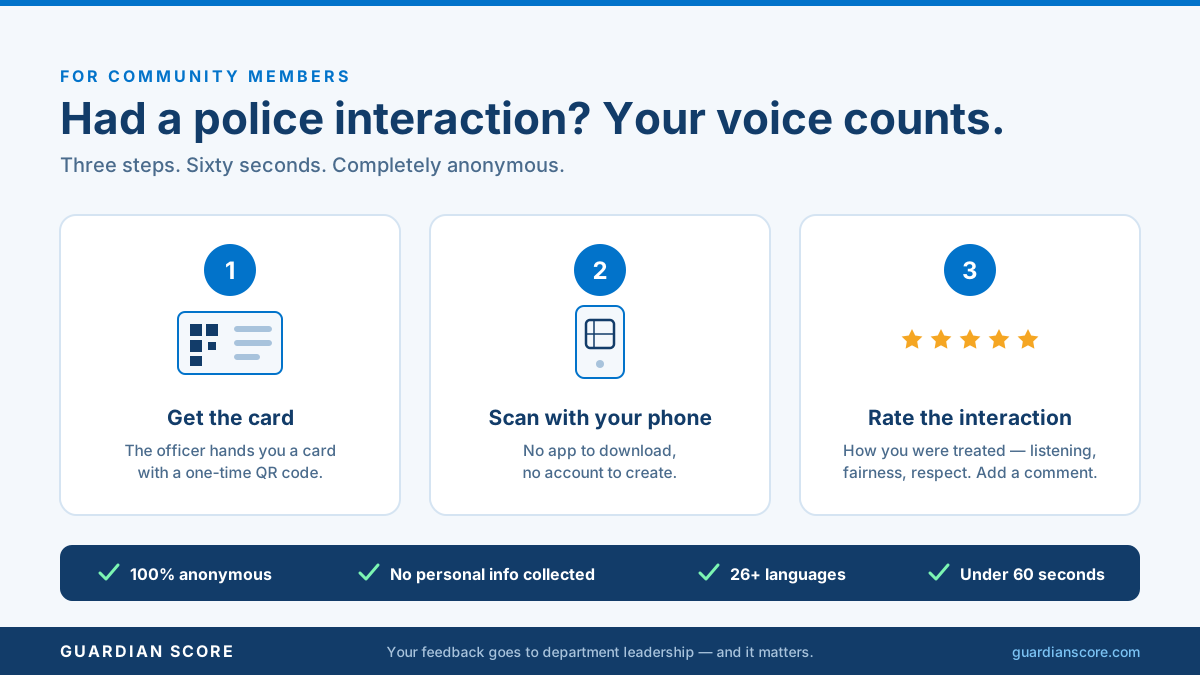
    Most residents have never been asked what a police encounter was like - and if they wanted to say something, good or bad, the only formal channel was a complaint form at headquarters. So the overwhelming majority of interactions end in silence, and the department learns nothing from the people it just served.

    This infographic is the community-facing answer, in three steps anyone can follow: the officer hands you a card at the end of the interaction, you scan the QR code with your phone, and you answer a short survey in under sixty seconds. No app to download, no account to create, no name required - responses are anonymous, collect no personal information, and the survey is available in more than 26 languages. Each card is single-use and tied to a real encounter, so every response is verified. Departments can post it on social media, hand it out at community meetings, or pin it in the station lobby so residents know exactly what the card in their hand is for.

    For how the cards work behind the scenes, see Interaction Cards and the 60-second survey.
    See what verified community feedback looks like for your department

    20-minute demo · No IT setup required · Go live in 2–4 weeks

    Get an instant quote

    Keep reading

    You Asked — a Community FAQ Card for Your Comments Section
    You Asked — a Community FAQ Card for Your Comments Section

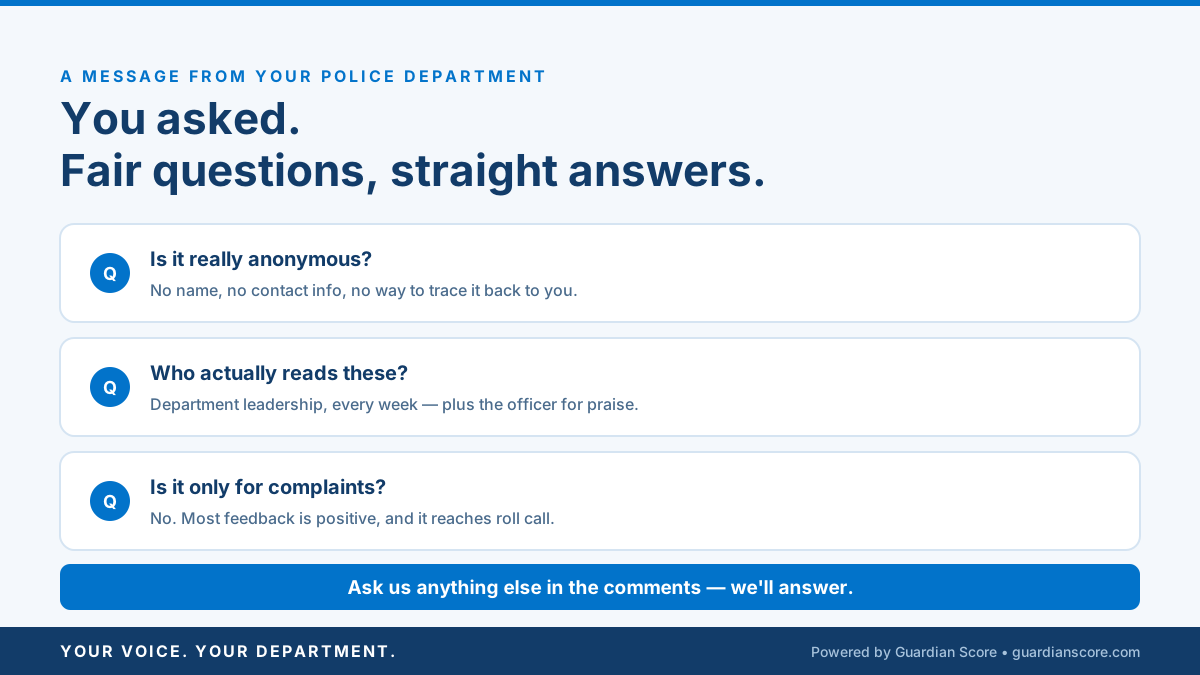
    A shareable Q&A graphic answering the three questions every announcement post earns: is it really anonymous, who reads it, and is it only for complaints.

    Infographic2 min read
    Mohammed KassemJul 06, 2026
    The Partnership Announcement Post (Department Share Kit)
    The Partnership Announcement Post (Department Share Kit)

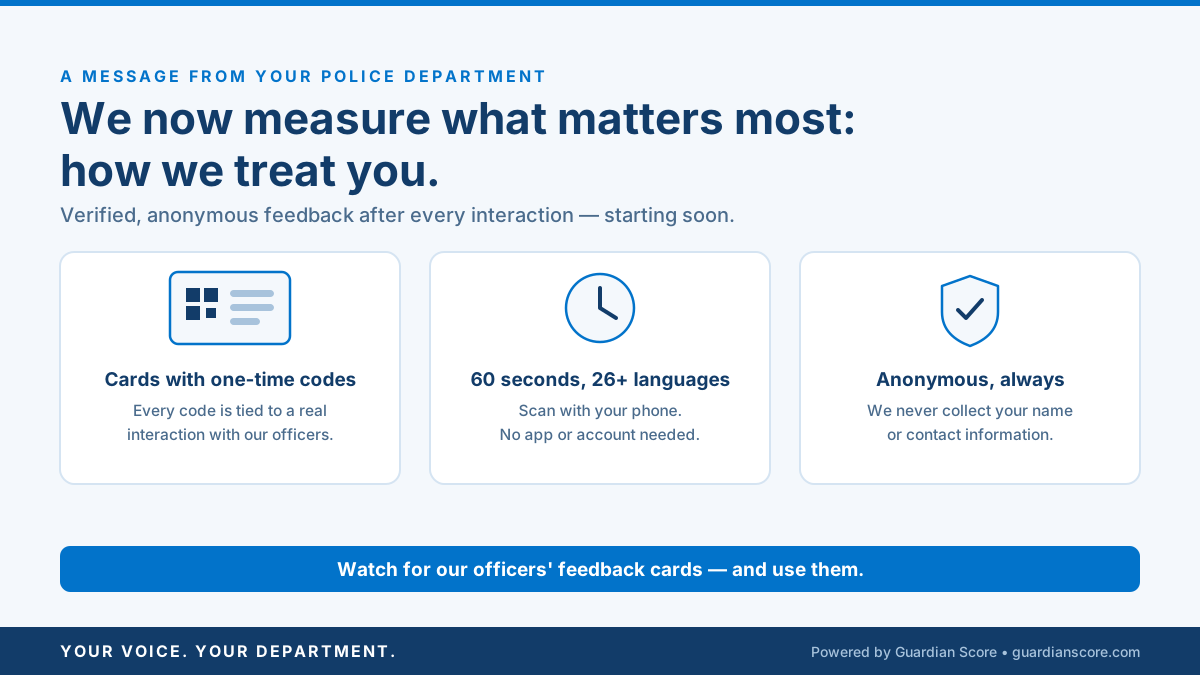
    The flagship day-zero graphic for departments announcing verified, anonymous community feedback: what it is, when it starts, and what residents should watch for.

    Infographic2 min read
    Mohammed KassemJul 05, 2026
    Look For This Card — the Launch-Day Post
    Look For This Card — the Launch-Day Post

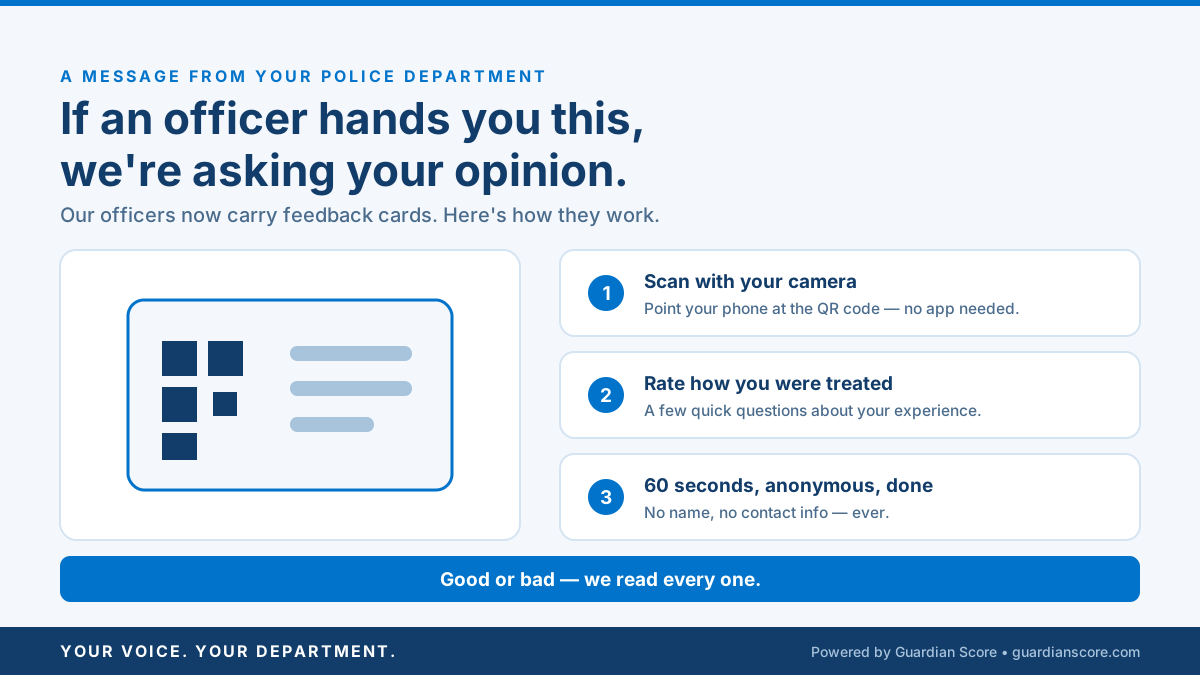
    A launch-day graphic that makes the QR-coded feedback card instantly recognizable: scan with your camera, rate how you were treated, done in sixty seconds.

    Infographic2 min read
    Mohammed KassemJul 05, 2026

    Author

    Mohammed Kassem

    Mohammed Kassem

    CEO & Co-Founder

    Category

    Infographic

    Tags

    community feedbackhow to rate policepolice surveyqr code feedbackinfographic

    Share

    Featured

    You Asked — a Community FAQ Card for Your Comments SectionThe Partnership Announcement Post (Department Share Kit)Look For This Card — the Launch-Day Post

    Ready to get started?

    Get an instant quote or book a demo.

    Get an instant quote

    20-minute demo · 30-day satisfaction guarantee · Training included

    • FAQ
    • Contact Us
    • Get Started
    • About
    • Our Solutions
    • Pricing
    Subscribe

    Stay updated on new releases and features, guides, and case studies.

    • Company
      • About
      • Careers
      • Resources
      • Branding Toolkit
      • Our Solutions
    • Our Foundation
      • Overview
      • Procedural Justice
      • Guardian Moments Program
    • Support
      • FAQ
      • Contact Us
      • Get Started
      • Pricing
    Subscribe

    Stay updated on new releases and features, guides, and case studies.

    © 2026 Guardian Score · Terms · Privacy · Security · Legal